
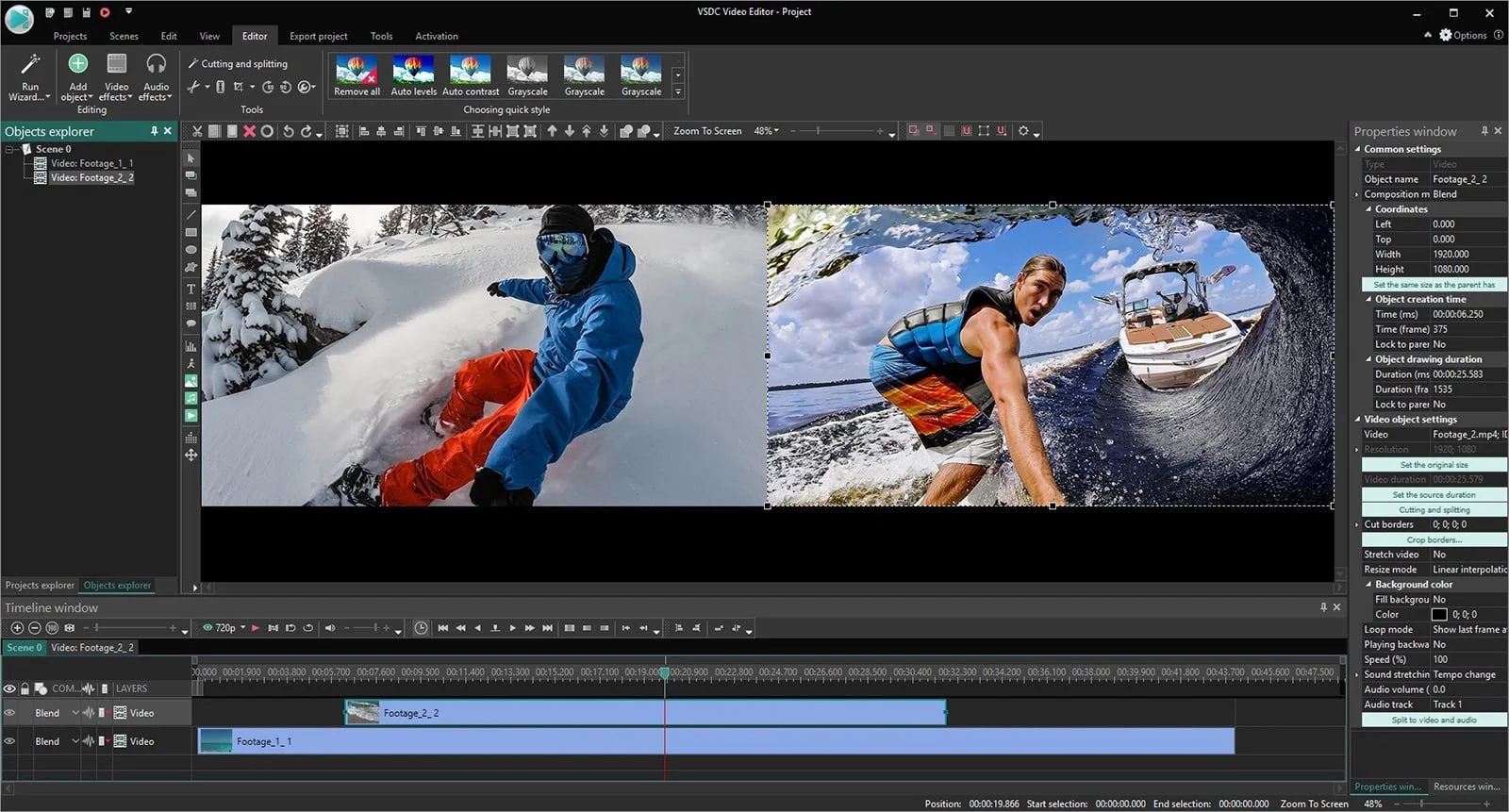
The Ultimate Guide to Video Editing Software
Are you looking for a video editing software that can help you create stunning videos without breaking the bank? Look no further! In this article, we’ll explore the best video editing software available in the market, including free and paid options.
What is Video Editing Software?
Video editing software is a program that allows you to edit, enhance, and finalize your video content. It’s an essential tool for anyone who wants to create professional-looking videos, whether it’s for personal or commercial use.
Free Video Editing Software Options
If you’re on a tight budget or just starting out with video editing, here are some excellent free options:
- Shotcut: A free and open-source video editor that supports 4K resolution and has a wide range of features.
- Lightworks: A professional-level video editor that’s available for free, but has limitations in its free version.
- Avidemux: A free and open-source video editor that can handle multiple formats and has advanced editing capabilities.
Paid Video Editing Software Options
If you’re serious about creating high-quality videos or need more advanced features, here are some paid options:
- Adobe Premiere Pro: A professional-level video editor that’s part of the Adobe Creative Cloud suite.
- Final Cut Pro: A powerful video editor for Mac users that’s designed for professionals and hobbyists alike.
- Davinci Resolve: A free video editor with advanced features, including color correction and audio editing.
Features to Look For in Video Editing Software
When choosing a video editing software, consider the following features:
- Ease of Use: Choose a software that’s intuitive and easy to navigate, even if you’re new to video editing.
- Format Support: Ensure the software supports your desired output format, such as 4K or HD.
- Advanced Editing Tools: Look for features like color correction, audio editing, and visual effects.
- Collaboration Tools: If you work with a team, consider software that allows real-time collaboration and feedback.
Conclusion
Video editing software is an essential tool for anyone who wants to create stunning videos. Whether you’re on a tight budget or serious about creating professional-level content, there’s a video editing software out there that suits your needs.
We’ve explored the best free and paid options, highlighting their key features and limitations. When choosing a video editing software, remember to consider factors like ease of use, format support, advanced editing tools, and collaboration tools.
Happy editing!
Frequently Asked Questions (FAQs)
- What is The Best Video Editing Software For Beginners?
- Shotcut or Lightworks are excellent options for beginners, as they’re free and easy to use.
- Can I Edit 4K Videos With Free Software?
- Yes, Shotcut and Avidemux support 4K resolution in their free versions.
- Do I Need a Mac to Use Final Cut Pro?
- No, Final Cut Pro is available for both Windows and Mac users.
- Can I Export my Video in Multiple Formats With Adobe Premiere Pro?
- Yes, Adobe Premiere Pro allows you to export your video in various formats, including 4K and HD.
Recommended Video Editing Software
- Shotcut: A free and open-source video editor that supports 4K resolution.
- Adobe Premiere Pro: A professional-level video editor with advanced features and collaboration tools.
- Final Cut Pro: A powerful video editor for Mac users that’s designed for professionals and hobbyists alike.
Get Started With Video Editing Software Today!
Visit our website to learn more about the best video editing software options available in the market.


