
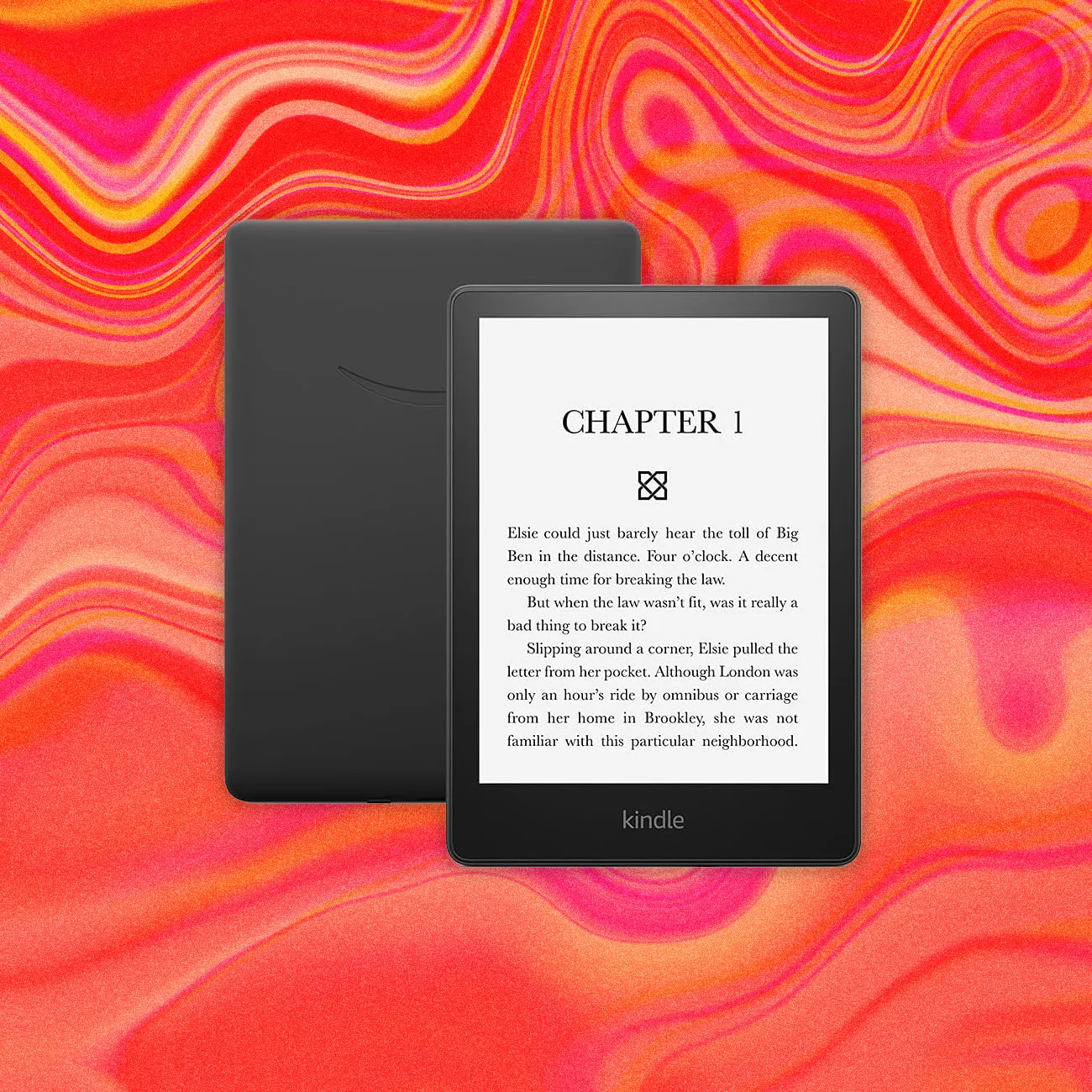
Choosing The Perfect Kindle: A Comprehensive Guide
Are you in the market for a new e-book reader? Do you want to know which Kindle is right for you? Look no further! In this article, we’ll take you through the different types of Kindles available, their features, and what to consider when making your decision.
Understanding Your Reading Habits
Before choosing a Kindle, it’s essential to understand your reading habits. Do you read primarily in one place or on-the-go? Are there specific features that are must-haves for you, such as waterproofing or blue light filtering?
The Different Types of Kindles
Amazon offers a range of Kindles to suit various needs and budgets. Here’s an overview of the different models:
- Kindle (2022): The latest base model Kindle, featuring a 6-inch display, 300 ppi resolution, and adjustable front light.
- Kindle (Previous Generation): A more affordable version of the Kindle, lacking some features like illumination and waterproofing.
- Kindle Paperwhite: An upgraded model with a glare-free display, built-in light, and waterproofing up to 60 minutes in 2 meters of water.
- Kindle Paperwhite Signature Edition: The top-of-the-line Kindle, featuring all the benefits of the Paperwhite plus wireless charging, automatic adjustable light tone, and 32GB storage.
- Kindle Scribe: A unique model with a 10.2-Inch display, touch screen, and support for handwritten notes and highlighting.
- Kindle Voyage: The top-of-the-line Kindle, featuring a 6-inch high-resolution display, advanced lighting system, and waterproofing up to 60 minutes in 2 meters of water.
- Kindle Oasis (2019): A premium model with a 7-inch display, adjustable light tone, and waterproofing up to 60 minutes in 2 meters of water.
Key Features to Consider
- Display: Look for a Kindle with a high-resolution display (300 ppi) and glare-free technology.
- Lighting: If you plan to read in the dark, consider a Kindle with built-in light or adjustable front light.
- Waterproofing: If you’re planning to use your Kindle near water, look for one with waterproofing capabilities.
- Storage: Consider how much storage space you’ll need and whether the Kindle can be expanded.
- Connectivity: Decide if you need Wi-Fi connectivity or 3G support.
What’s The Difference Between Kindle And Kindle Fire?
The Kindle Fire is a tablet, not an e-book reader. It runs on Amazon’s Fire OS and has a different set of features than the Kindle. If you’re looking for a simple reading experience without added functionality, stick with the Kindle.
Tips For Choosing Your Perfect Kindle
- Assess Your Budget: Set a budget and choose a Kindle that fits within it.
- Consider Your Reading Habits: Think about where and how you’ll be using your Kindle most often.
- Prioritize Features: Make a list of essential features you need, such as waterproofing or adjustable light tone.
Conclusion
Choosing the right Kindle can seem daunting, but by considering your needs and budget, you’ll find the perfect device for you. Remember to assess your reading habits, prioritize features, and consider your budget when making your decision.
Frequently Asked Questions (FAQs)
- What’s The Difference Between a Kindle And an E-book Reader?
A Kindle is specifically designed for reading e-books, while other devices can also read e-books. - Can I Use my Kindle in Water?
Yes, some Kindles are waterproof or have waterproofing capabilities. - How Much Storage Space do I Need on my Kindle?
It depends on how many e-books you plan to store and whether you want to download other content like music or movies. - Do All Kindles Support 3G Connectivity?
No, only some models come with built-in 3G support. - Can I Use a Kindle With my Computer?
Yes, you can connect your Kindle to your computer using the USB cable provided. - How do I Download E-books Onto my Kindle?
You can download e-books directly from Amazon or use third-party apps like Calibre. - Is it Worth Buying a Refurbished Kindle?
Refurbished Kindles are often significantly cheaper and still come with warranty, making them a great option for budget-conscious buyers.
Conclusion
Choosing the perfect Kindle requires consideration of your reading habits, budget, and essential features. By understanding what you need and prioritizing those needs, you’ll find the ideal device for your e-book reading pleasure.


