
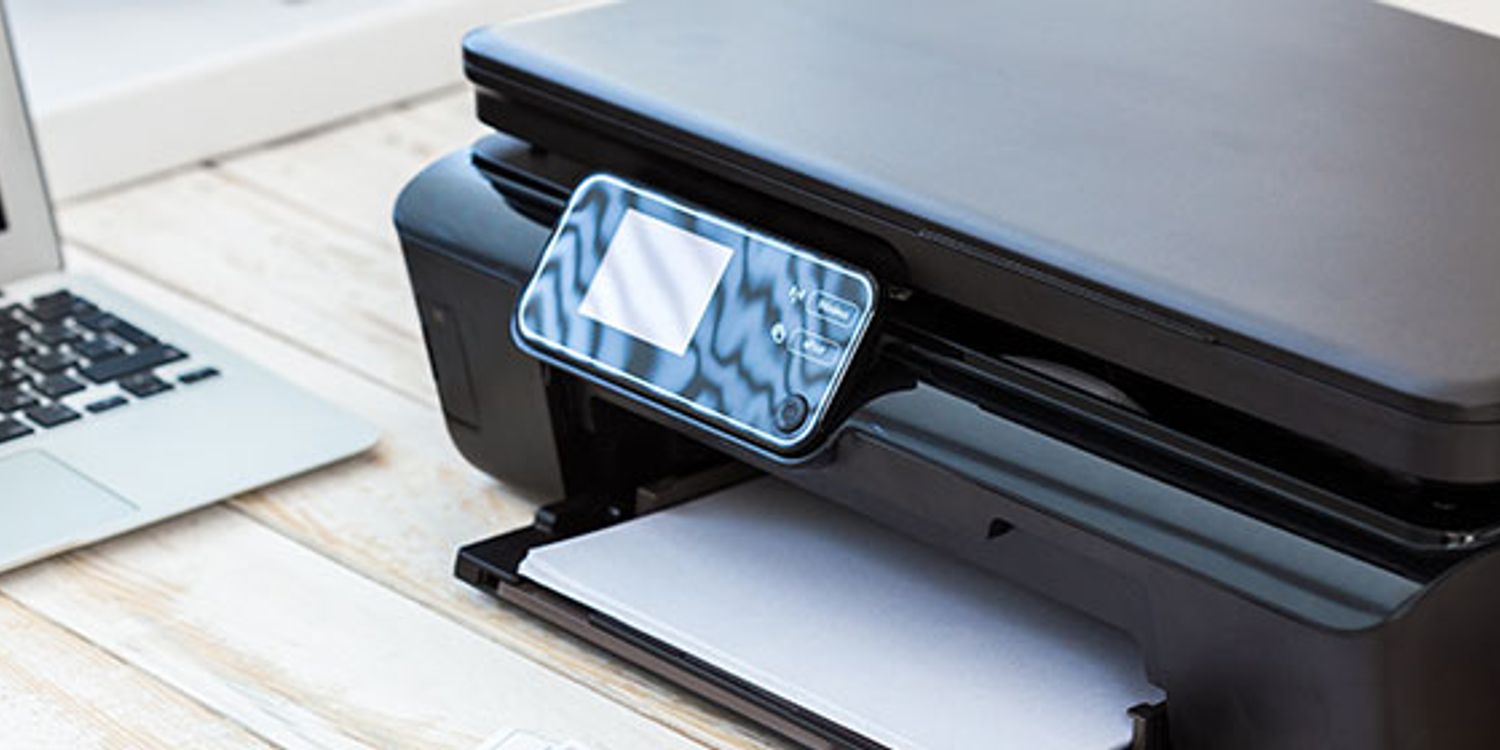
Which Printer to Buy?
If you’re ready to choose a new printer, here are some options suited to different usage scenarios:
-
Multifunction Printers: They are ideal for families and offices that need printing, scanning, copying and faxing.
-
Laser Printers: Preferable for those who print almost only texts in large quantities.
-
Inkjet Printers: Ideal for printing text documents or drawings/illustrations.
Know The Technical Characteristics
Before purchasing a printer, consider the following technical characteristics:
-
Print Speed And Resolution: Speed is expressed in pages per minute (ppm) or images per minute (ipm).
-
Paper Sizes: Check if your printer supports sizes other than a4.
-
Auto Duplex And Scanner: Consider whether you need auto duplex or scanner features.
Maintenance, Consumption And Noise
Don’t forget to also consider maintenance, energy consumption and the noise level of the printer.
Multifunction Printers
Multifunction printers are ideal for families and offices that need printing, scanning, copying and faxing. Choose one with automatic duplex and scanner capabilities to maximize use.
Laser Printers
Laser printers are preferable for those who print almost only texts in large quantities. Considers print speed and print resolution to ensure fast, high-quality results.
Inkjet Printers
Inkjet printers are ideal for printing text documents or drawings/illustrations. Choose one with adequate print speed and high print resolution to ensure satisfactory results.
Know The Technical Characteristics
Before purchasing a printer, consider the following technical characteristics:
-
Print Speed And Resolution: Speed is expressed in pages per minute (ppm) or images per minute (ipm).
-
Paper Sizes: Check if your printer supports sizes other than a4.
-
Auto Duplex And Scanner: Consider whether you need auto duplex or scanner features.
Maintenance, Consumption And Noise
Don’t forget to also consider maintenance, energy consumption and the noise level of the printer.
Conclusions
Choose a printer that fits your specific needs. Considers the technical characteristics and maintenance, consumption and noise to ensure efficient and problem-free use.
Frequently Asked Questions (faqs)
- What is The Best Multifunction Printer?
The answer depends on your specific needs, but some popular options include:
-
HP LaserJet M140W: A monochrome laser printer with automatic duplex and scanner capabilities.
-
Canon Selphy CP1500: A thermal sublimation photo printer with direct printing function from SD cards.
-
What is The Best Laser Printer?
Again, the choice depends on your specific needs, but some popular options include:
-
Brother MFCL2800DW: A monochrome laser multifunction printer with automatic duplex and scanner capabilities.
-
How to Choose a Printer?
When choosing a printer, consider your specific needs, such as print speed, print resolution, supported paper sizes, and required maintenance.
Answers
-
The best multifunction printer is the one that best suits your specific needs.
-
The best laser printer depends on your specific needs, such as print speed and required print resolution.
-
Choose a printer that takes into account your specific needs, such as print speed, supported paper sizes and required maintenance.


