
Understanding Repeater Wi-fi: A Comprehensive Guide
Are you tired of weak Wi-Fi signals in your home or office? Do you struggle with dropped connections and poor internet coverage? Look no further! In this article, we’ll delve into the world of repeater Wi-Fi, exploring its benefits, types, technical characteristics, and configuration process.
What is a Repeater Wi-fi?
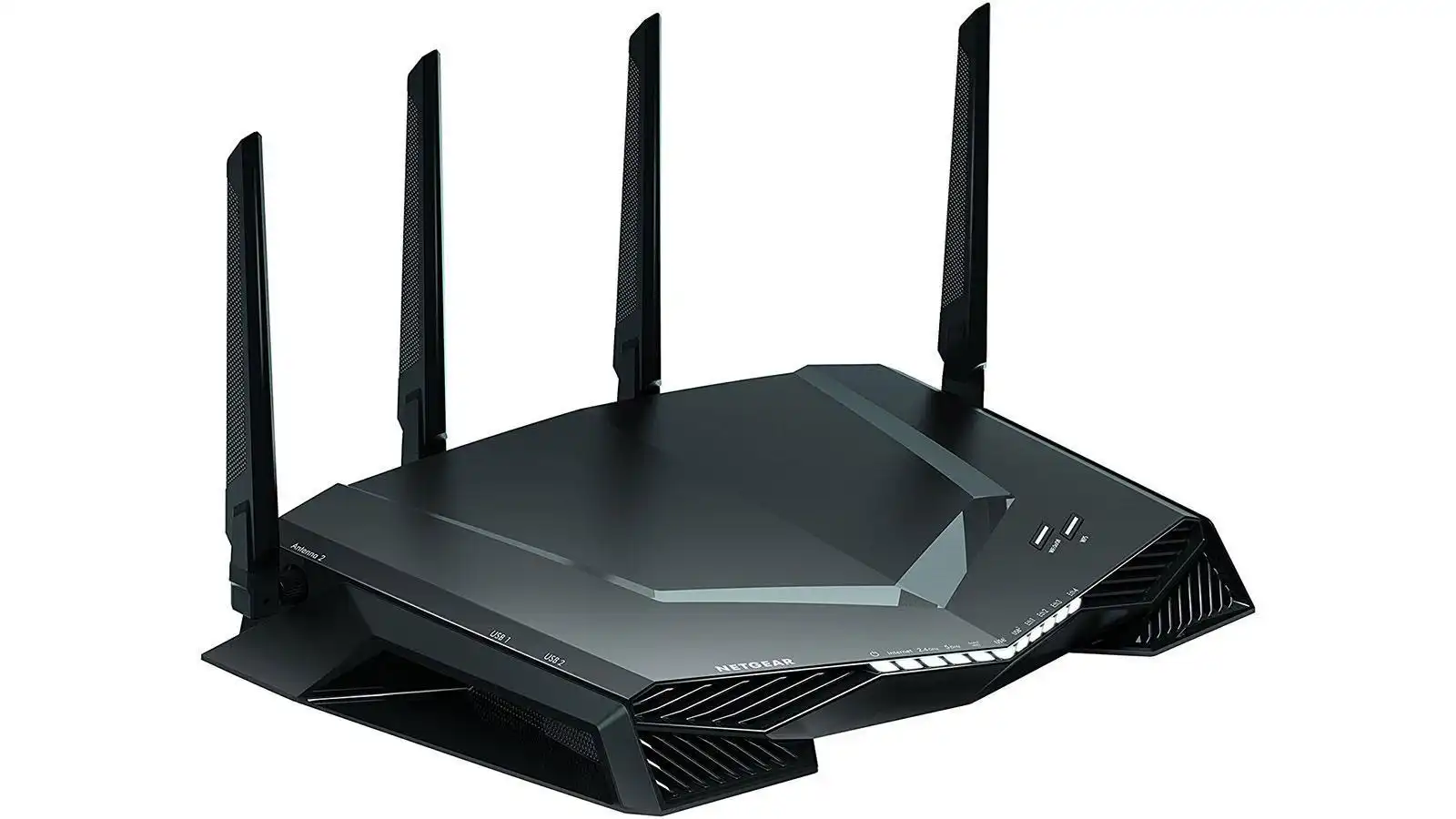
A repeater Wi-Fi, also known as a range extender or booster, is a device that extends the coverage area of your existing Wi-Fi network. It picks up the signal from your router and rebroadcasts it to provide a stronger, more reliable connection in areas where the original signal was weak.
Types of Repeater Wi-fi
There are several types of repeater Wi-Fi available on the market, including:
- Wireless Range Extenders: These devices extend the range of your existing Wi-Fi network by rebroadcasting the signal.
- Powerline Adapters: These adapters use your home’s electrical wiring to create a network, extending the coverage area of your internet connection.
- Mesh Network Systems: These systems consist of multiple nodes that work together to provide a strong, reliable internet connection throughout your home or office.
Technical Characteristics
When choosing a repeater Wi-Fi, consider the following technical characteristics:
- Speed: Look for devices with high speeds (AC or AX) to ensure fast data transfer rates.
- Range: Consider the size of your home or office and choose a device that can cover the entire area.
- Frequency Bands: Opt for devices with multiple frequency bands (dual-band, tri-band, or quad-band) for better performance.
- Mu-mimo: This technology allows multiple devices to connect to the same Wi-Fi network simultaneously, reducing congestion.
Configuration Process
Configuring a repeater Wi-Fi is relatively straightforward:
- Place the device in an optimal location, such as halfway between your router and the area where you want to extend coverage.
- Connect the device to your router using an Ethernet cable.
- Follow the manufacturer’s instructions to configure the device.
- Test the connection to ensure it’s stable and fast.
Alternative Solutions
If a repeater Wi-Fi isn’t feasible or desired, consider these alternative solutions:
- Use Your Portable Computer as a Repeater: Transform your portable computer into a repeater by installing a router software on it.
- Utilize Your Mobile Phone as a Hotspot: Turn your mobile phone into a hotspot to share your internet connection with other devices.
Conclusion
In conclusion, a repeater Wi-Fi is an excellent solution for extending the coverage area of your existing Wi-Fi network. By understanding the different types, technical characteristics, and configuration process, you can make informed decisions when choosing a device that meets your needs.
Frequently Asked Questions (FAQs)
- What Are The Benefits of Using a Repeater Wi-fi?
Repeater Wi-Fi devices extend coverage area, improve internet reliability, and enhance overall user experience. - How do I Configure a Repeater Wi-fi Device?
Configure the device by placing it in an optimal location, connecting it to your router via Ethernet cable, following manufacturer instructions, and testing the connection. - What Are Alternative Solutions to Using a Repeater Wi-fi?
Alternative solutions include using your portable computer as a repeater, utilizing your mobile phone as a hotspot, or implementing mesh network systems. - How do I Choose The Right Repeater Wi-fi Device For my Needs?
Consider factors such as speed, range, frequency bands, and MU-MIMO technology when selecting a suitable device. - Can I Use a Repeater Wi-fi Device With an Existing Mesh Network System?
Yes, you can integrate a repeater Wi-Fi device into your existing mesh network system to further extend coverage area and improve performance. - What is The Difference Between a Wireless Range Extender And a Powerline Adapter?
A wireless range extender extends the coverage area of an existing Wi-Fi network by rebroadcasting the signal, while a powerline adapter uses electrical wiring to create a network.
Bonus Tips
- Always follow manufacturer instructions for configuration.
- Test the connection after configuring the device to ensure it’s stable and fast.
- Consider investing in devices with MU-MIMO technology for improved performance.
This comprehensive guide has equipped you with the knowledge necessary to choose, configure, and effectively utilize a repeater Wi-Fi device to improve your internet experience.


