
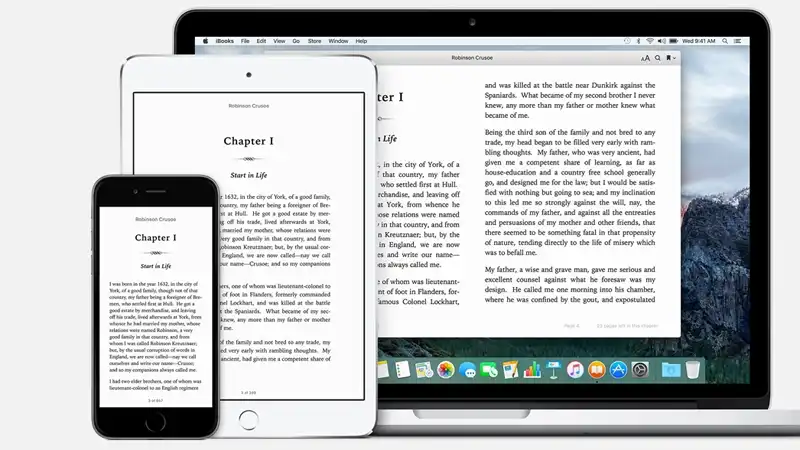
The Ultimate Guide to Typing Apps: Unlock Your Creative Potential
Are you a writer, blogger, or student looking for the perfect typing app? Look no further! In this comprehensive guide, we’ll explore the top typing apps for mobile devices, desktops, and online use. Whether you’re writing a novel, creating content, or taking notes, these apps will help you stay organized, focused, and productive.
Why Choose a Typing App?
With so many digital distractions today, it’s easy to get sidetracked. A typing app helps you stay on track by providing a dedicated space for writing, note-taking, and organization. These apps often come with features like autosave, password protection, and collaboration tools, making it easier to manage your work and share ideas with others.
The Best Typing Apps For Mobile Devices
- Microsoft Word (Android/iOS/iPadOS): The gold standard of typing apps, Microsoft Word offers a seamless writing experience on mobile devices. Download the app freely from the Play Store or App Store.
- IA Writer (Android/iOS/iPadOS): A minimalist editor that lets you focus on your writing without distractions. Enjoy features like syntax highlighting and export options.
- Google Keep (Android/iOS/iPadOS): A simple yet powerful note-taking app that syncs across devices. Add reminders, photos, and more to stay organized.
The Best Typing Apps For Desktops
- Scrivener (iOS/iPadOS): A complete writing program designed for authors and writers. Available for Windows and macOS.
- Ulysses (iOS/iPadOS): A dedicated writing app that lets you focus on your content without distractions. Sync across devices with iCloud or Dropbox.
The Best Typing Apps For Online Use
- Google Docs: A free, web-based word processor that lets you create and edit documents online.
- Microsoft Word Online: Access Microsoft Word from any browser, perfect for collaborative writing and editing.
Other Noteworthy Typing Apps
- Wps Office (Android/iOS/iPadOS): A suite of productivity apps that includes a word processor, spreadsheet, and presentation tool.
- Adobe Acrobat Reader For Pdf (Android/iOS/iPadOS): A powerful app for reading and editing PDFs.
How to Choose The Best Typing App
Consider the following factors when selecting a typing app:
- Ease of use
- Features and functionality
- Syncing capabilities across devices
- Collaboration tools
- Security and password protection
By choosing the right typing app, you’ll be able to unlock your creative potential and stay organized in the process.
Frequently Asked Questions
- Q: What is The Best Typing App For Beginners?
A: Google Keep is an excellent choice for beginners due to its simplicity and ease of use. - Q: Can I Use a Typing App on my PC or Mac?
A: Yes, many typing apps are available for desktops, including Microsoft Word, Scrivener, and Ulysses. - Q: How do I Sync my Typing App Across Devices?
A: Most typing apps offer syncing capabilities through cloud services like Google Drive, iCloud, or Dropbox. - Q: Are Typing Apps Secure?
A: Yes, reputable typing apps take security seriously and offer password protection and encryption to keep your work safe.
Stay tuned for more in-depth guides on each of these topics!


